
Key takeaways
- AI in digital signature makes signing faster and a bit harder to cheat
- An AI digital signature tool can check who the signer is and flag shady activity
- Good digital signature software can now scan a contract and point out risky parts
- An online signature is legal in most places if the basic rules are followed
- AI helps but you still have to read what you sign
Remember when signing a paper meant printing it, finding a pen that works, signing and then scanning the thing. And the scan always came out crooked so you did it again. Honestly it was a waste of an afternoon. Digital signatures cut most of that out and now smarter software is cutting out whatever was left. It’s happening quietly so a lot of people haven’t even noticed.
So here’s what a digital signature actually is, what’s changing inside digital signature software, where it’s being used and what to be careful about.
What is a digital signature?
A digital signature is a way to sign a file on your screen so people can trust it. It’s not just a scribble of your name at the bottom. Behind it there’s a code that locks the document to whoever signed. If somebody changes even one word later the lock breaks and everyone can see it.
People mix this up with an electronic signature all the time. An electronic signature is basically any mark that says yes I agree, like typing your name or drawing it with your finger. A digital signature goes further with encryption and a certificate so it’s way stronger. Most digital signature software gives you both and you pick what suits the job.
How do smart tools work inside signing software?
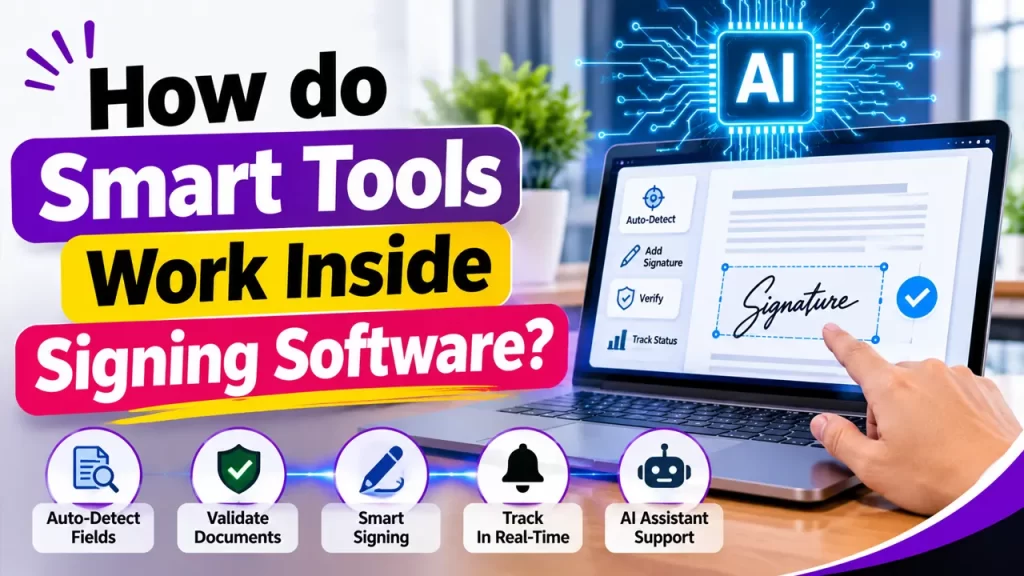
You won’t see a robot popping up on your screen, it’s nothing like that. The software just learns from a huge number of documents and signing activity until it knows what normal looks like. Then when something is off it notices fast. Say a signer logs in from two different countries within ten minutes. A person might miss that but the software won’t.
The same learning helps it read contracts, put signature boxes in the right spot and match a face to an ID. That’s pretty much the base of every modern signing tool you’ll run into.
What is changing in the digital signature industry?
Identity checks are the biggest change. A tool can now match a selfie to a government ID in a few seconds and also check that a real person is there and not just holding up a photo. That makes an online signature much harder to fake than it used to be.
Fraud alerts are next. If a document gets edited after it was sent or the signing behavior looks weird the system can pause everything and ask for more proof. It’s the same thing banks do when your card suddenly gets used in another country.
Then there’s contract reading. Some tools scan the whole agreement and payment terms and renewal rules. They also highlight clauses that look unusual so you can look twice before you sign. It’s not a lawyer obviously, but it catches stuff you’d skip when you’re tired and just want to be done.
The smaller changes matter too.
-
- Automatic fields: Fields get placed on their own, so nobody sits there dragging signature boxes around.
- Signature matching: Banks and legal teams can compare a signature to older samples and get a warning when it looks different
- Reminders: The tool knows who hasn’t signed and reminds them so you don’t send the same email five times
- Simple language: Some tools explain hard terms or translate a document so the signer understands it
Old way vs the new way
| Task | Before | Now |
| Setting up fields | Done by hand | Placed automatically |
| Checking identity | Email link or code | Face match with ID |
| Reading a contract | Someone reads every page | Key terms get highlighted |
| Catching fraud | Found after the damage | Flagged during signing |
| Follow ups | Emails and calls | Automatic reminders |
| Finding old files | Digging through folders | Searchable and tagged |
The old way depended on people spotting problems. The new way tries to spot them first.
Does smarter software make an online signature safer?
Yes, an older online signature was built on trust. Someone got an email, clicked the link and signed. If that email account was hacked a stranger could sign in your place and nobody would find out till much later.
Now the tool looks at more than just the email. It checks the device, the location, the time and sometimes even how a person moves their mouse. If something doesn’t match the pattern it asks for extra proof before letting the signing go through. That makes it a lot harder for a scammer to sign a loan or a contract in your name.
It’s not perfect though. Sometimes the software blocks a real person by mistake. A good tool gives users an easy way to prove who they are and move on.
Is a modern digital signature legal?
Yes, in most countries it is. The ESIGN Act cover it in the United States and eIDAS does the same in Europe. All of them say a digital signature can work just like a pen signature, but only if some basic things are there. The person has to agree to sign online, the signature has to belong to them and there should be proof of what happened during the signing.
The smart features don’t change those rules. They just help the tool follow them better. One example is the audit trail which shows who signed, when they signed and from where. If someone later says they never signed anything that record is really handy.
The rules are not the same everywhere. They change from one country to another and also depending on the type of document. Wills, property deals and a few court papers may still need extra steps.
Who is using these tools the most?
Banks and finance companies were early because loan papers and account forms need strong identity checks. Real estate too uses digital signatures since one deal can have many people and many pages so auto fields and reminders save a ton of time.
Healthcare uses it for patient forms which are private and need careful handling. HR teams use it for offer letters and onboarding forms that people can sign from anywhere in minutes. Legal teams use contract scanning to find the important parts quicker. Insurance companies get claims done faster when identity and fraud checks happen on their own.
If a business signs plenty of documents every month then digital signature software can save time.
Risks and problems to keep in mind
- Privacy: these tools handle IDs, faces and contract details so check how the provider stores that data
- Mistakes: the software can misread a clause or flag the wrong thing so treat its notes as a hint and not legal advice
- Deepfakes: fake faces and voices keep getting better and strong tools have to keep updating their checks
- Lazy signing: some people stop reading because they assume the tool already checked everything and that’s a risky habit
- Bias: if a system was trained on narrow data it can work worse for some groups so good providers test for this
What is next for digital signatures?
Probably a lot more. Tools may start writing first drafts of contracts and sending them out for signing in one go. Voice signing might show up in more places. Identity checks will get tougher as deepfakes get better. And signing will connect closer with apps people already use like email, CRM and cloud storage so it turns into one tiny step inside a bigger process.
Small businesses may gain the most from all this. Big companies always had teams for paperwork. Now a shop with three people can get similar power from one good tool without hiring anybody. If you want a simple place to start with an online signature, Eazeesign is worth a look.
How to choose the right digital signature software?
Keep this short list in mind while you compare tools.
- Security: strong encryption, a clear audit trail and identity checks that suit your work
- Legal side: it should follow the signing laws in the countries you deal with
- Ease of use: if people find it confusing they will avoid it, so try the free trial first
- Smart features: ask which ones are truly useful and which ones are just marketing talk
- Tools you already use: make sure it works with them
- Pricing: compare plans because some limit documents or users
- Support: when something breaks at the worst time, quick help matters a lot
FAQs
Can software spot a fake signature?
It can compare a signature with older samples and flag the ones that look very different. It’s not perfect though so for important papers a real person should still take a look.
Is a digital signature legally valid?
Yes. You just need to follow the signing laws of your country. The smart features help the tool follow those laws and keep a clean record of who signed and when.
Is an online signature safe?
It can be if the tool has encryption, identity checks and an audit trail. But not every provider does a good job here so go with one you can trust.
Can software spot a fake signature?
It can compare signatures and point out the ones that look very different from earlier samples. Still important cases l need a human look.
Will technology replace people in the signing process?
No. Software handles checking and repeat tasks but people still read and agree to what they sign.
Do small businesses need digital signature software with smart features?
They don’t have to but it can help. Even a tiny team can save plenty of time every week by skipping printing, scanning and chasing people.
Final thoughts
Smarter signing isn’t some far off idea. It’s already here and it’s quietly making signing faster and safer for a lot of people. From better identity checks to contract reading and fraud alerts a modern digital signature tool takes over a lot of work people used to do by hand.
Tools and people work best as a team. Let the software deal with the boring and risky stuff and just take a minute to read what you’re signing. Go for digital signature software that is secure, simple to use and honest about how it treats your data. Do that and an online signature will save you time and headaches for a long while.